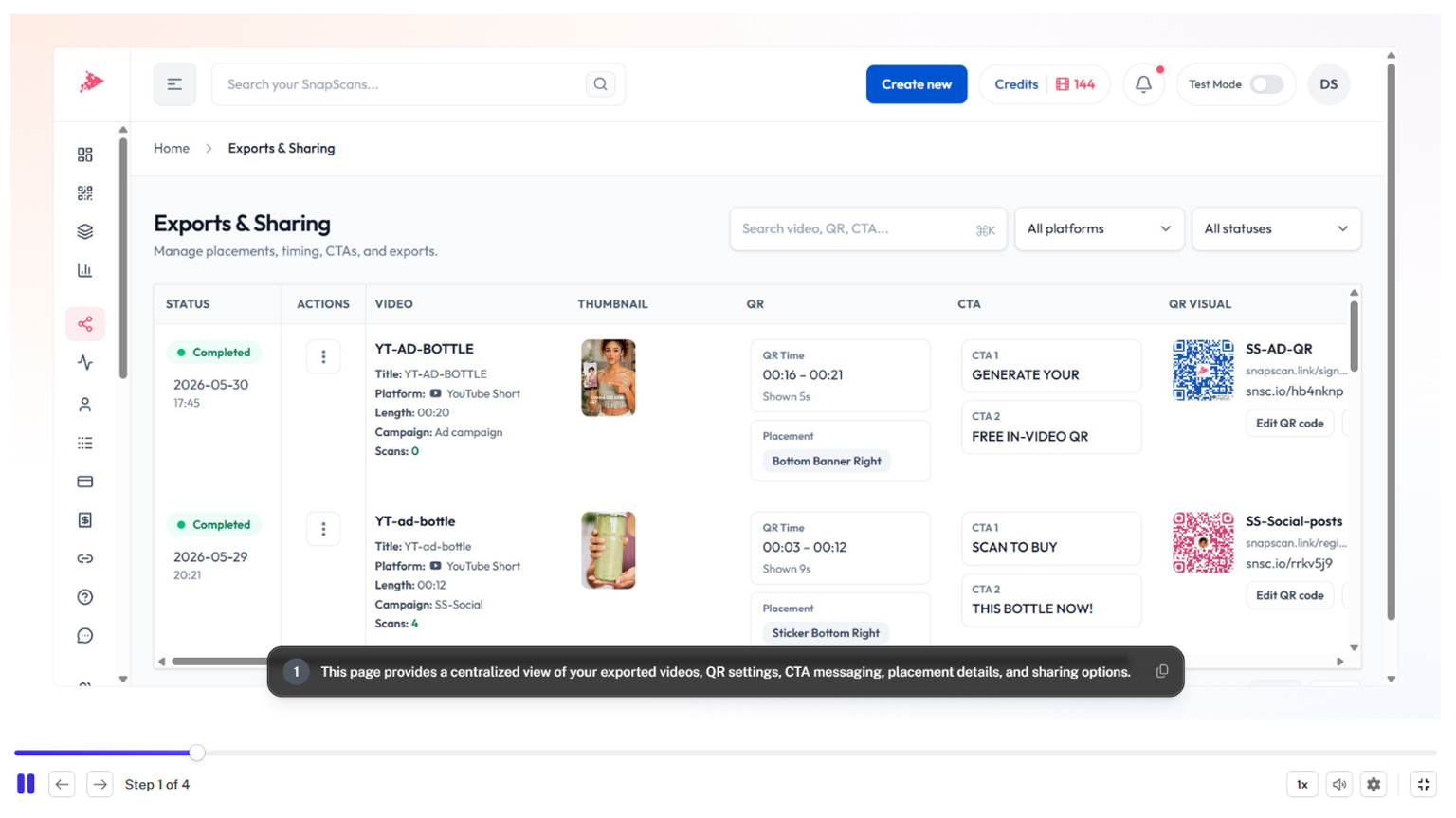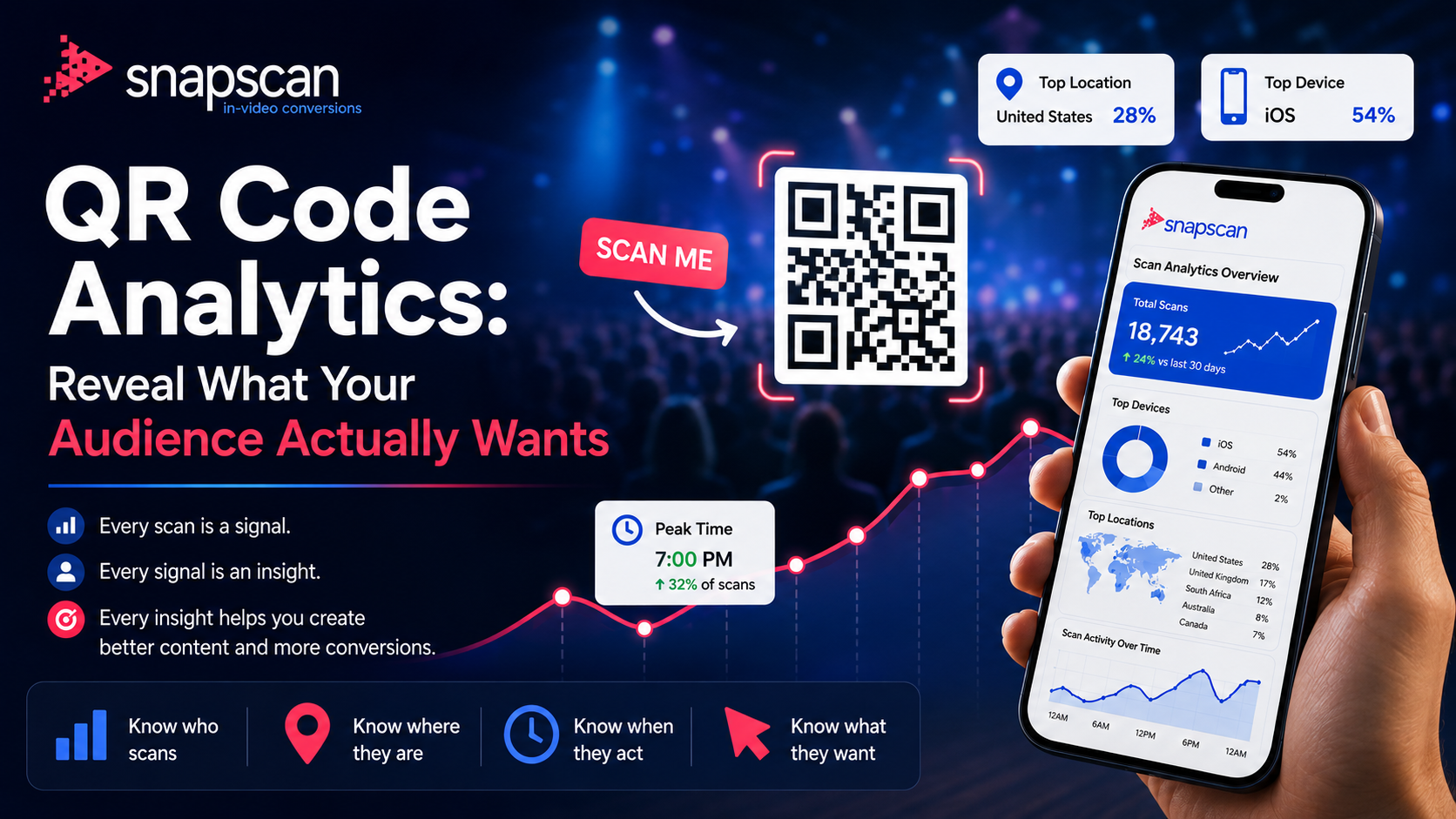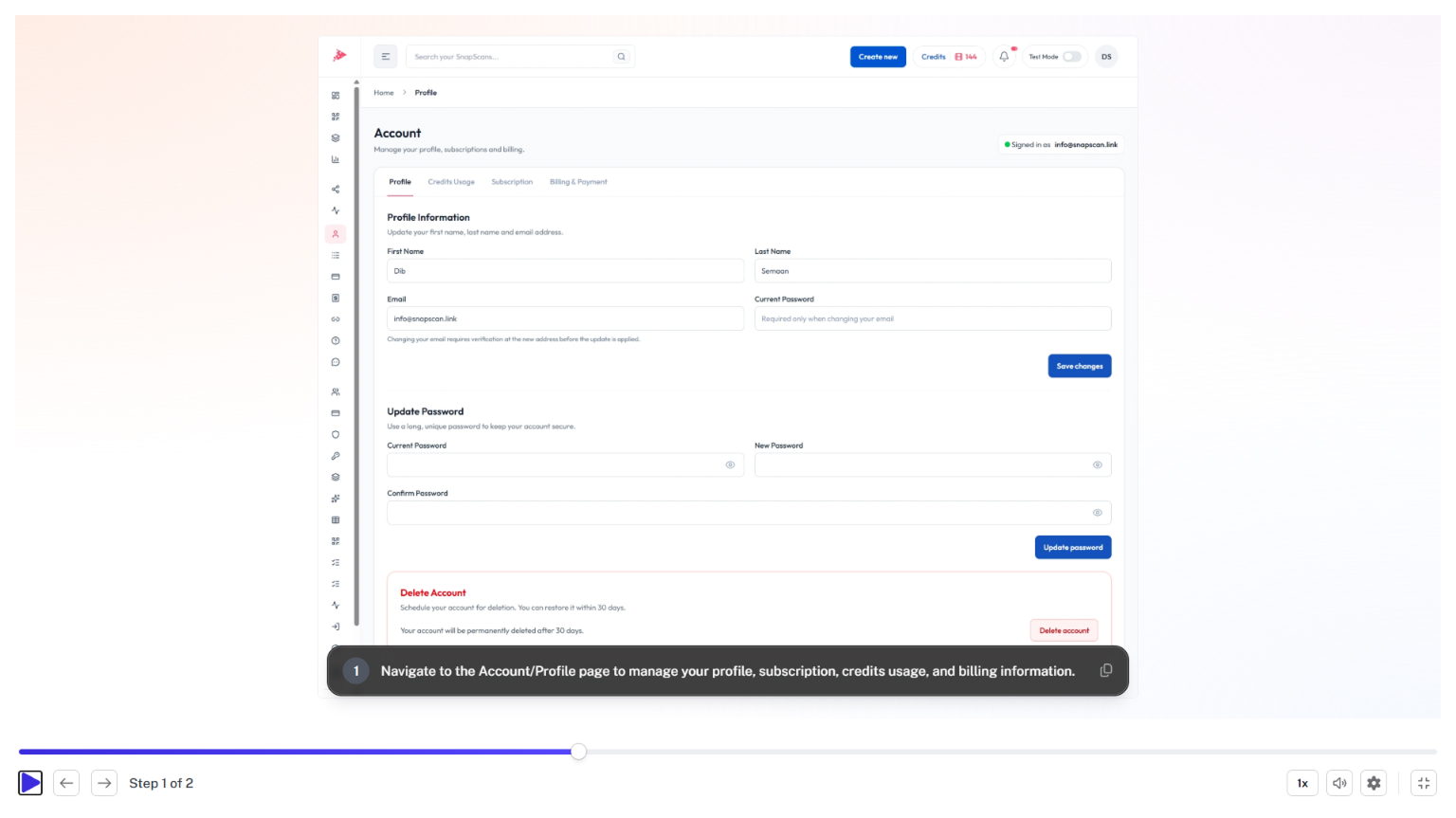
Manage & Publish
June 8, 2026
The My SnapScans page is the central hub for managing all your SnapScan assets. Learn how to search, filter, organize, edit, export, and monitor your In-Video QR Codes, QR Codes, branded links, and campaigns from a single dashboard.
SnapScan assets include In-Video QR Codes, QR Codes, branded links, and campaign-related resources created within your account.
You can manage all assets from the My SnapScans page, which serves as your central asset management dashboard.
Yes. The My SnapScans page includes search and filtering tools to quickly find assets by type, campaign, status, or name.
Yes. Asset lists and performance data can be exported for reporting and analysis purposes.
Yes. You can update destinations, settings, branding, campaign assignments, and other asset details at any time.