Manage & Publish
June 8, 2026
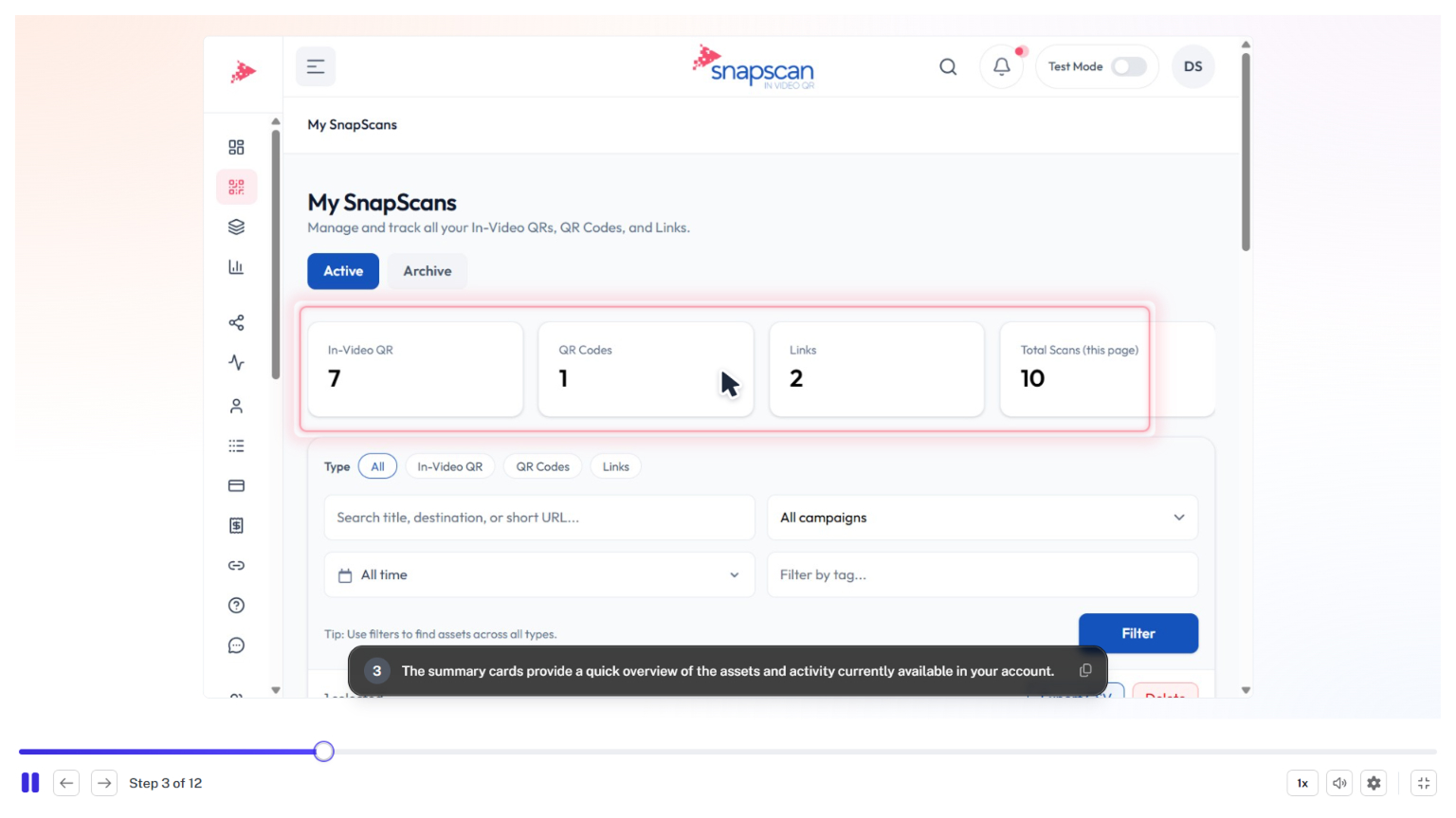
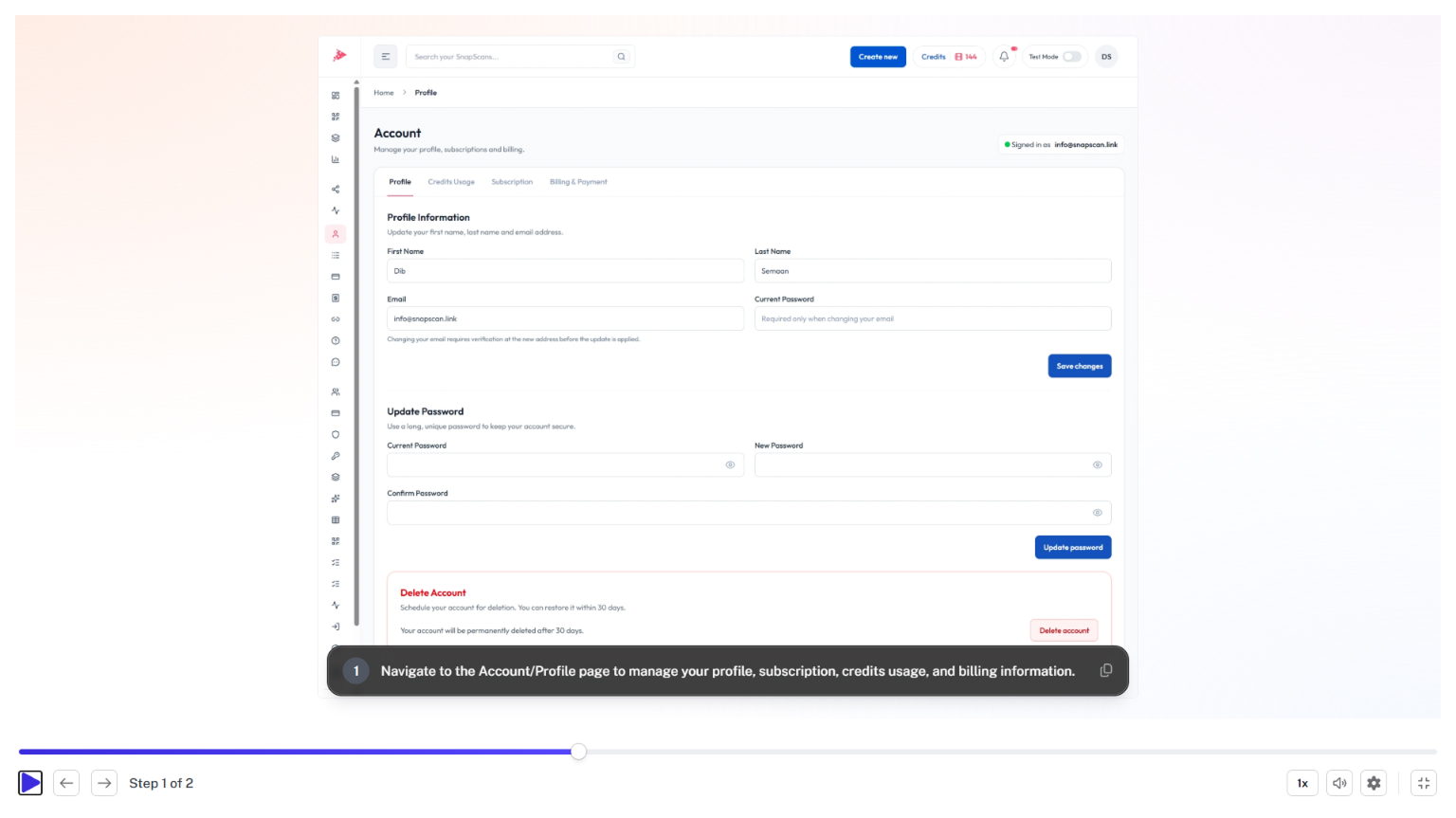
The Exports & Sharing page gives you a centralized view of all rendered In-Video QR Code exports created in SnapScan. From this dashboard, you can search and filter exports, review QR configurations, download rendered videos, share exports with team members or clients, and access detailed performance analytics.
Whether you're managing a handful of videos or coordinating multiple campaigns across platforms such as YouTube Shorts, TikTok, Instagram Reels, and Facebook Reels, the Exports & Sharing section helps you stay organized and efficiently manage your published content.
In this guide, you'll learn how to:
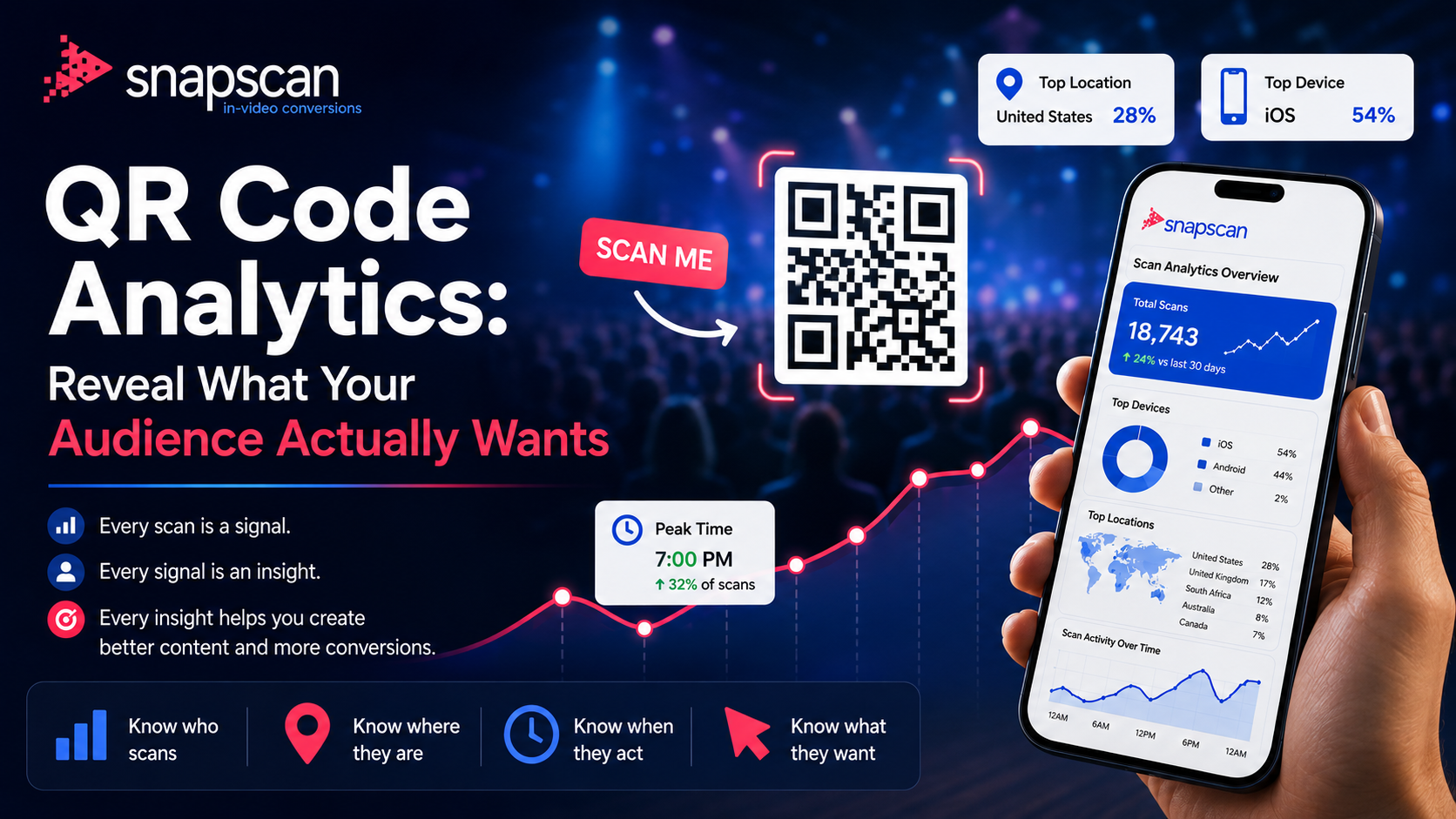
By mastering the Exports & Sharing page, you can streamline your publishing workflow, maintain organized campaign assets, and quickly access the performance data needed to optimize future In-Video QR campaigns.