Last Updated
June 3, 2026
SnapScan: How To Create A Branded Link
π¨ Create & Customize
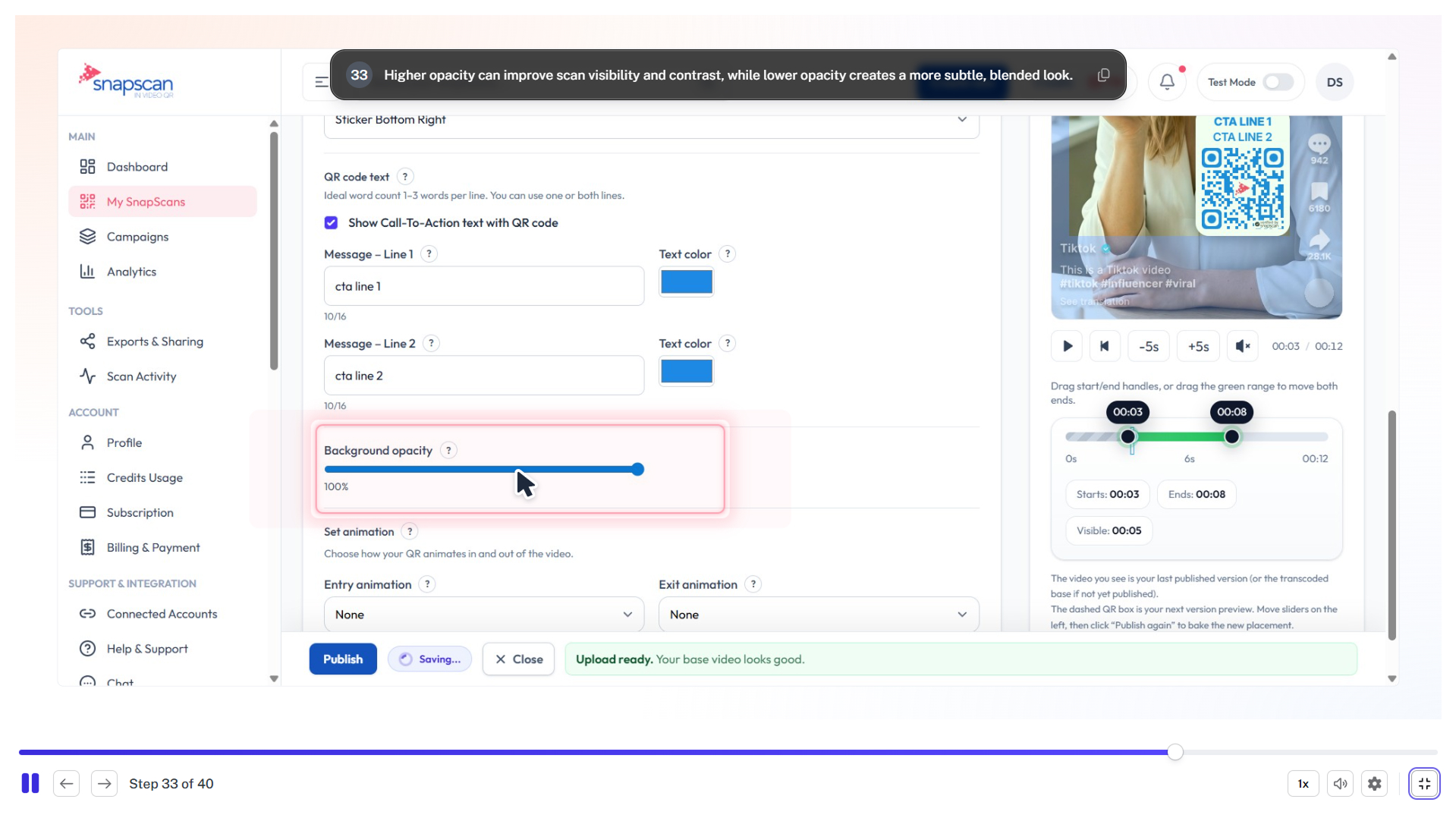
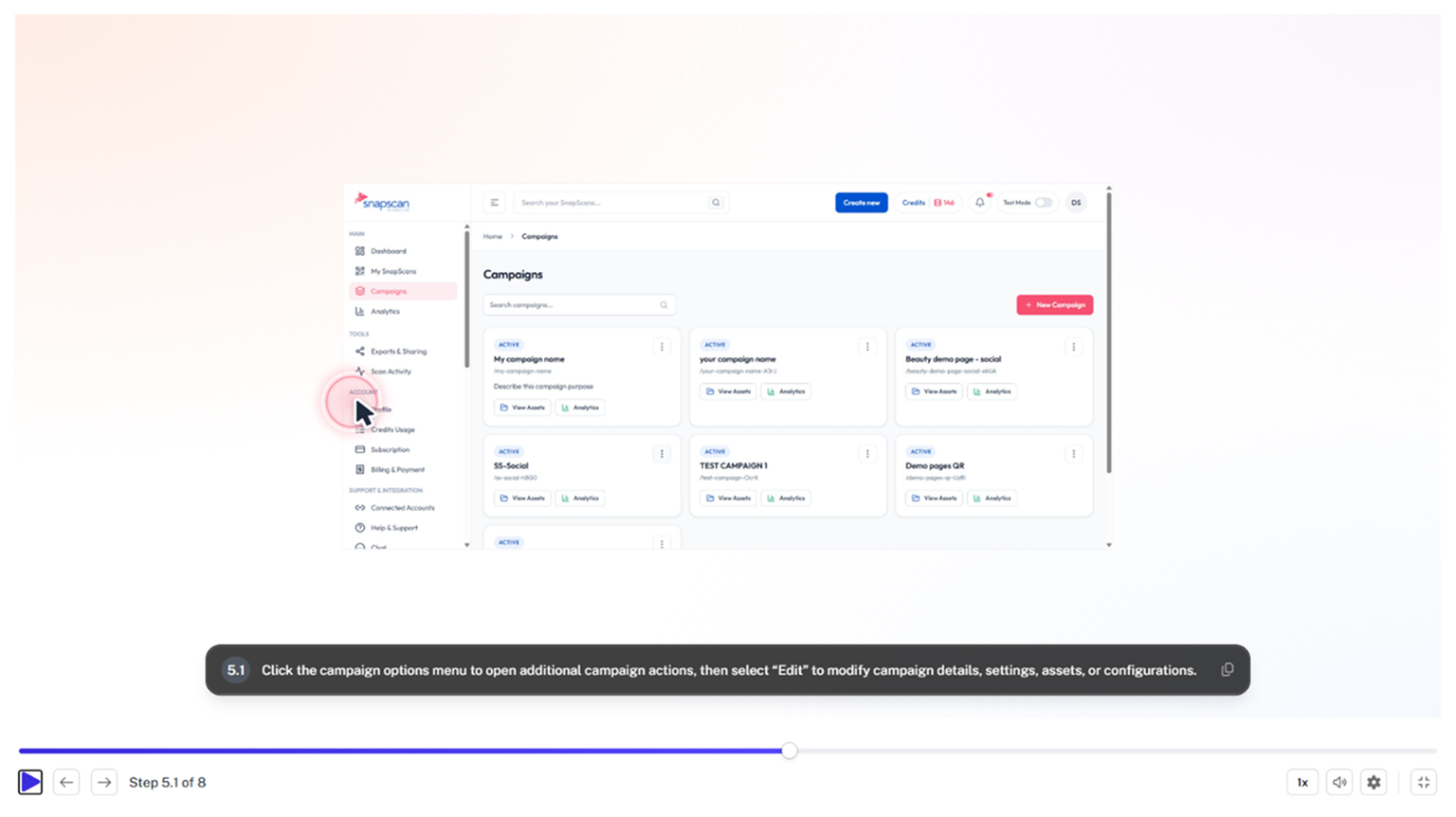
Learn how to generate a custom branded short URL using the SnapScan platform. This guide walks you through setting up your destination links, organizing with tags, and finalizing your branded campaign for easy tracking.
<iframe src="https://scribehow.com/embed/SnapScan_How_To_Create_A_Branded_Link__-NpDv4HJS_OSszTBQqKPcw?as=video" width="100%" height="800" allow="fullscreen" style="aspect-ratio: 16 / 12; border: 0; min-height: 480px"></iframe>
Related Blogs
π¨ Create & Customize
June 3, 2026
SnapScan: How To Create, Customize & Publish Your First In-Video QR
Conversion Optimization
April 8, 2026